Getting started
Step-by-step guides with pictures from the app. Pick yours:
For coaches and gym owners
1Create your gym or team
Sign up with your email and open the login link we send you. Choose “I run a gym” or “I coach my own group”, then type your name and your gym's or team's name.
2Invite your athletes
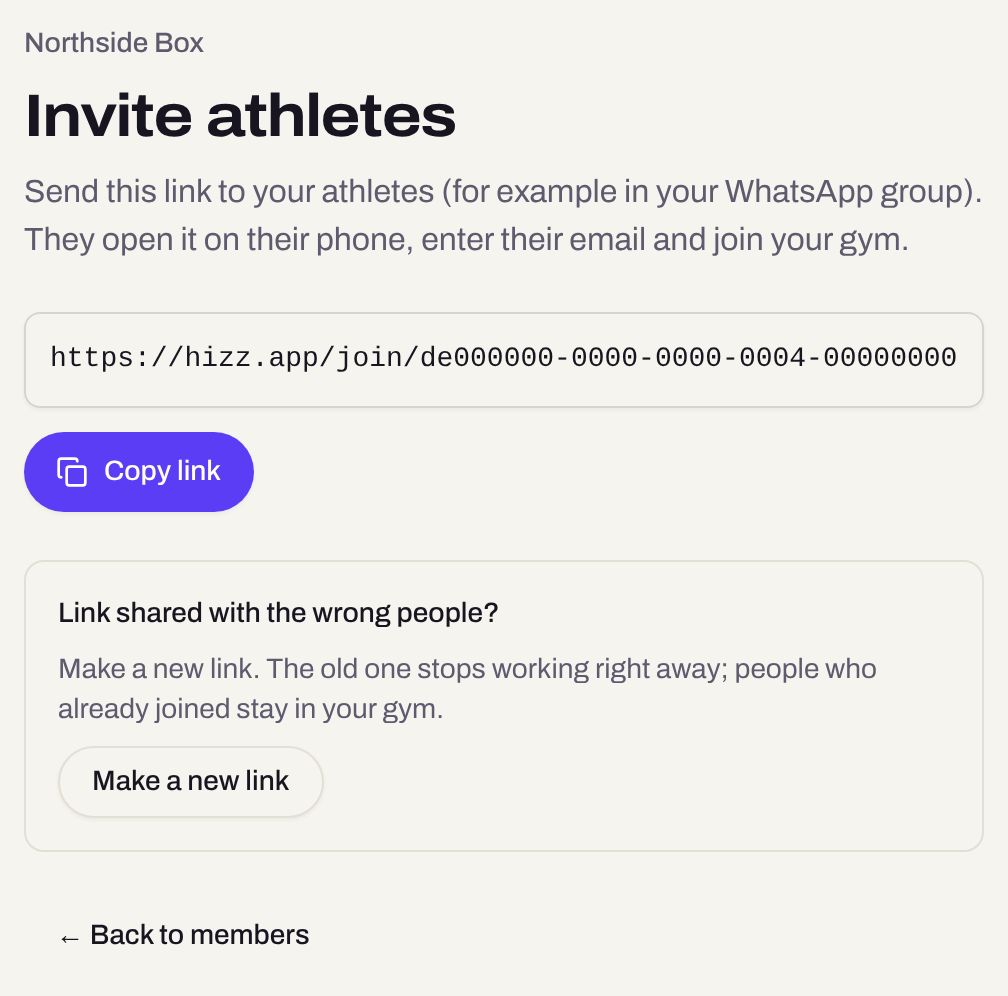
Go to Members → Invite athletes and copy the link into your group chat. Athletes open it on their phone and join in a minute. Shared it with the wrong people? Make a new link: the old one stops working. The owner can invite other coaches with Invite coaches.
3Plan the week
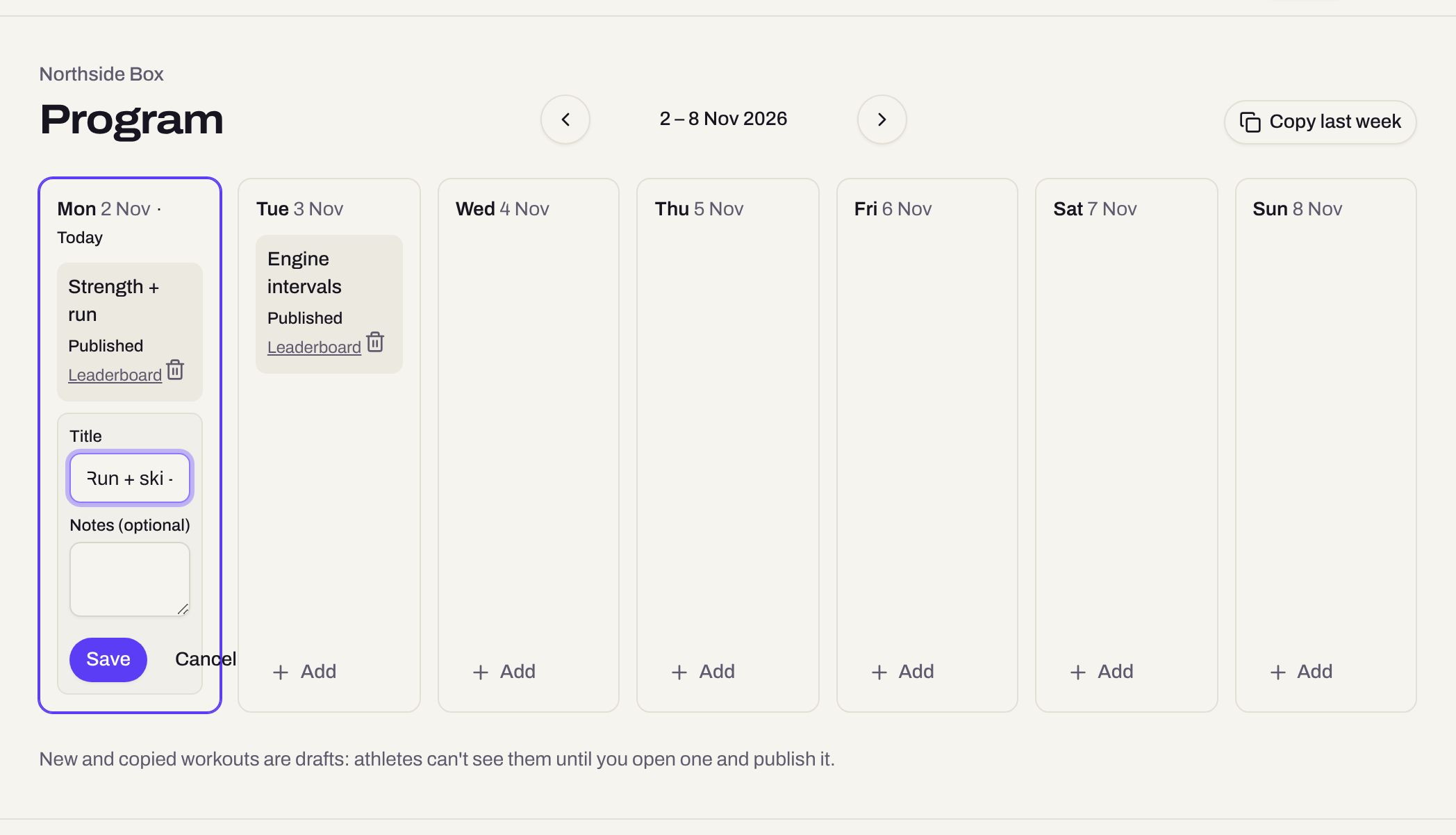
Program shows one week. Tap Add on a day and give the workout a title. Copy last week brings last week's workouts over as drafts, ready to change.
4Add the stations
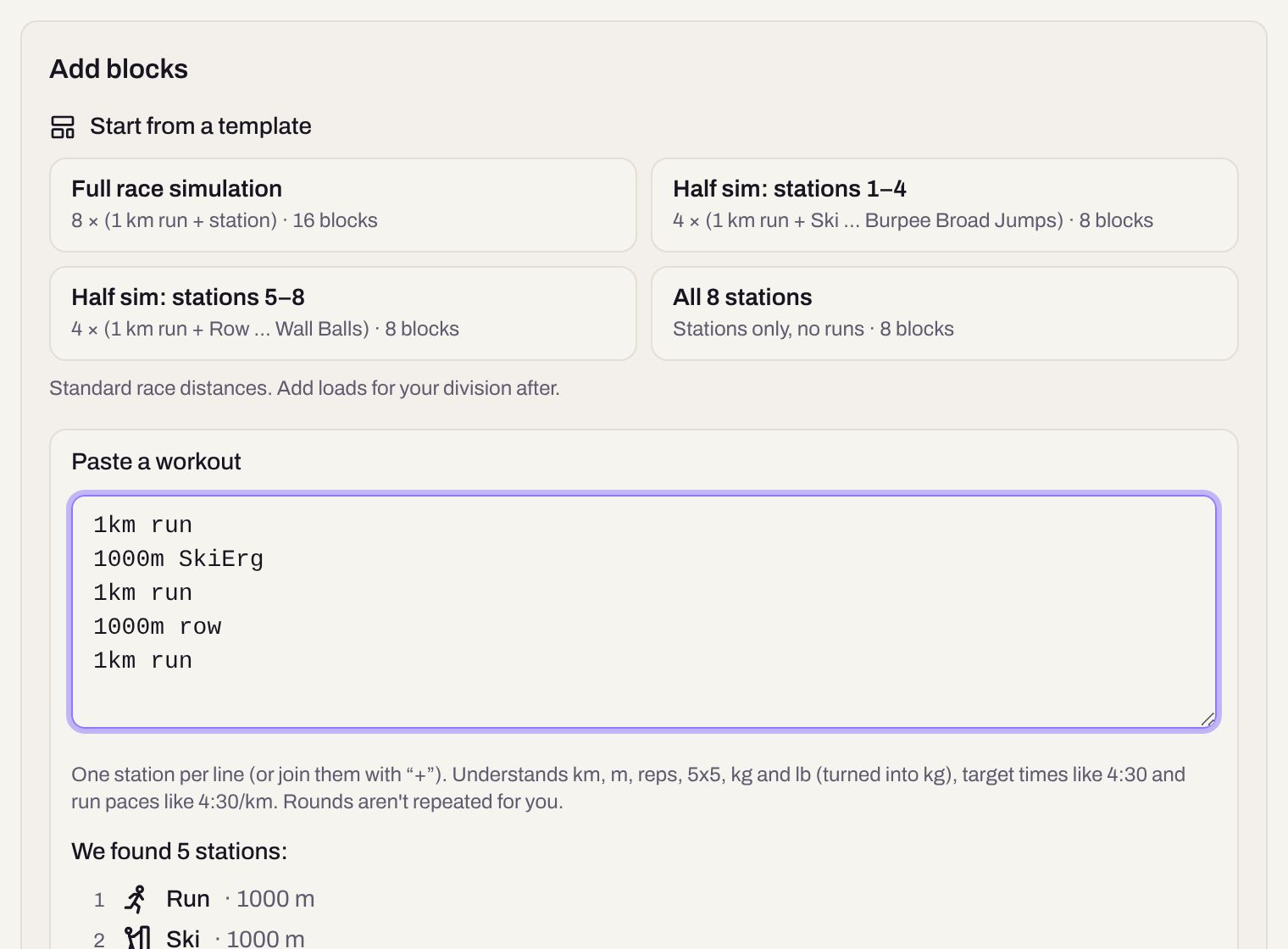
Open the workout. Start from a template (like a full race simulation), paste a workout as text with one station per line, or add stations one at a time with targets and weights.
5Publish
New workouts are drafts that only you and your coaches see. When it's ready, tap Publish to athletes: it appears on their Today screen.

6Set divisions
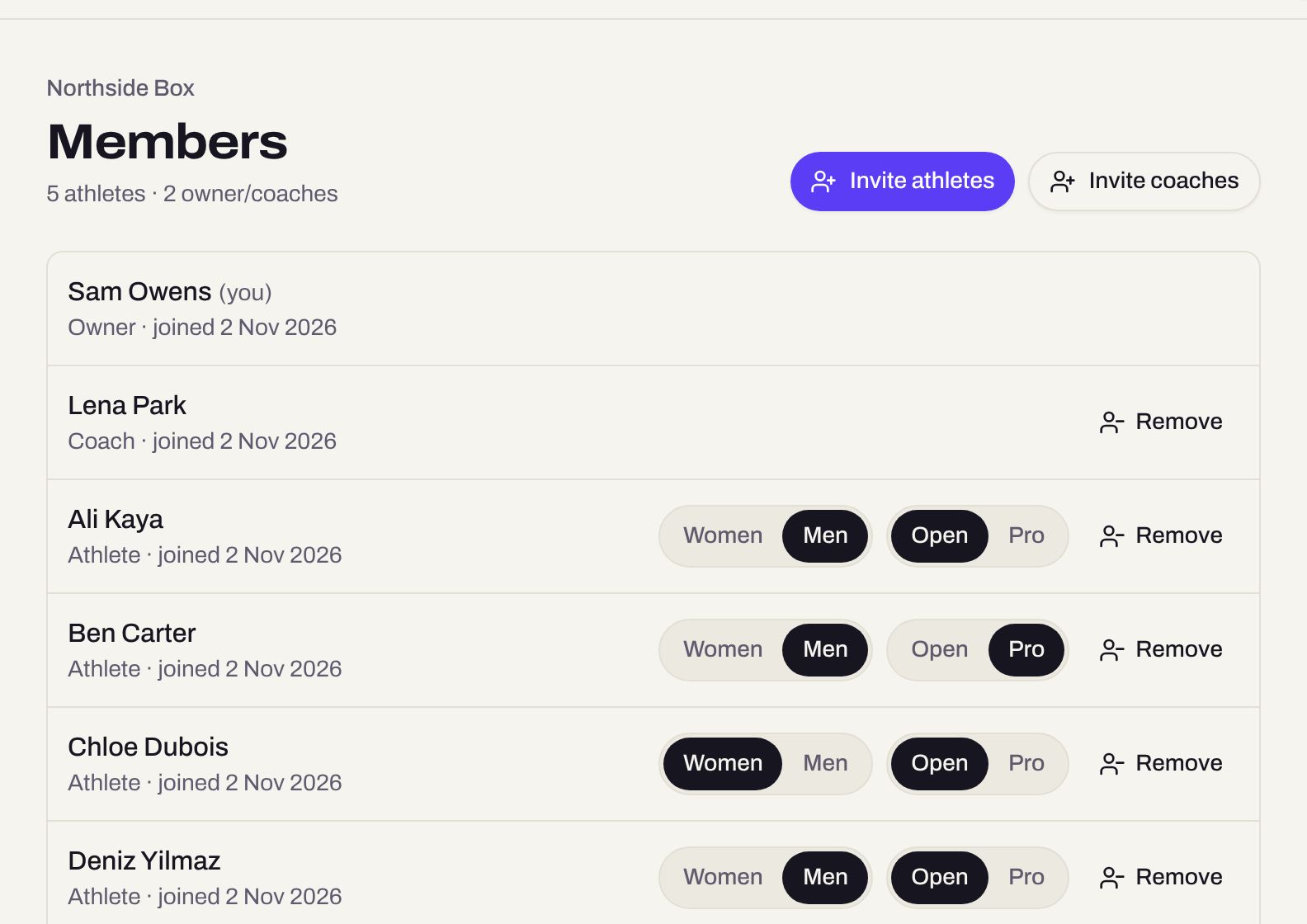
On Members, set each athlete to Women or Men and Open or Pro. It's saved with every result they log, and leaderboards can be filtered by it. Athletes can't change it themselves.
7Follow your team
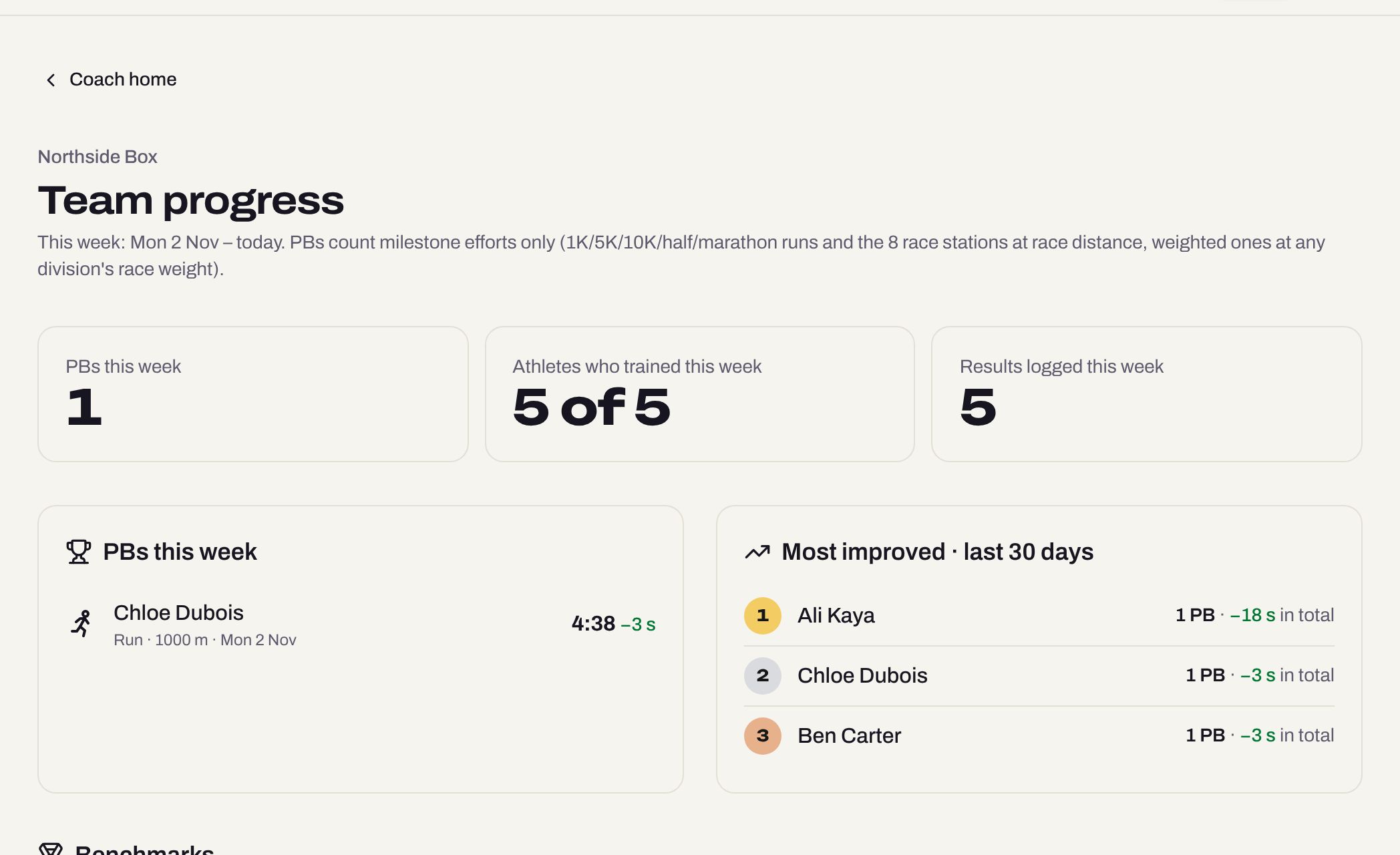
Team progress (on your coach home) shows this week's personal bests, who trained, who improved most, benchmark attempts and who hasn't logged anything for two weeks.
For athletes
1Join with your coach's link
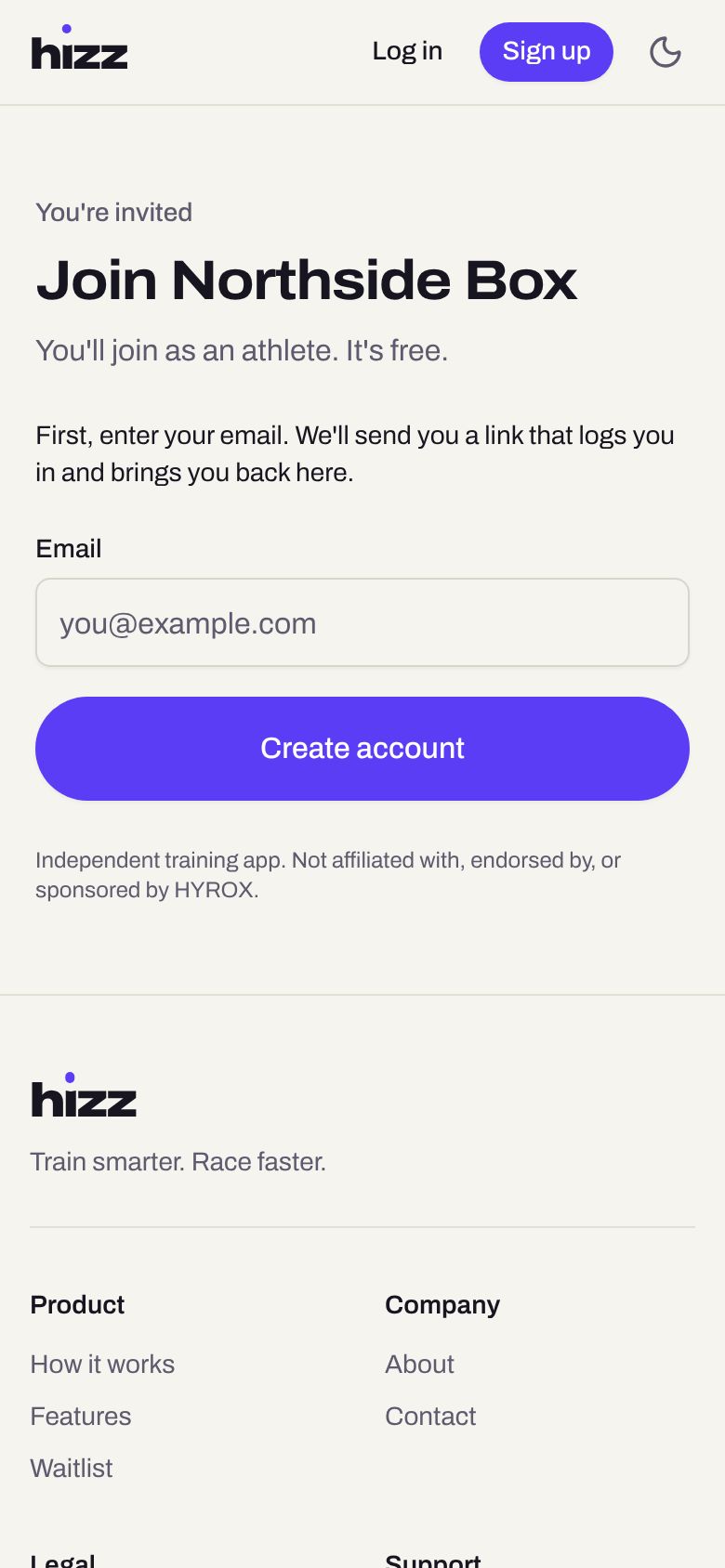
Open the invite link from your coach, type your email and tap Create account. Open the login link we email you, agree to the terms, add your name and tap Join. No password needed.
2Put Hizz on your home screen
It opens like an app, no app store needed.
iPhone: in Safari, tap Share → Add to Home Screen.
Android: in Chrome, tap the ⋮ menu → Add to home screen (or Install app).3See today's workout
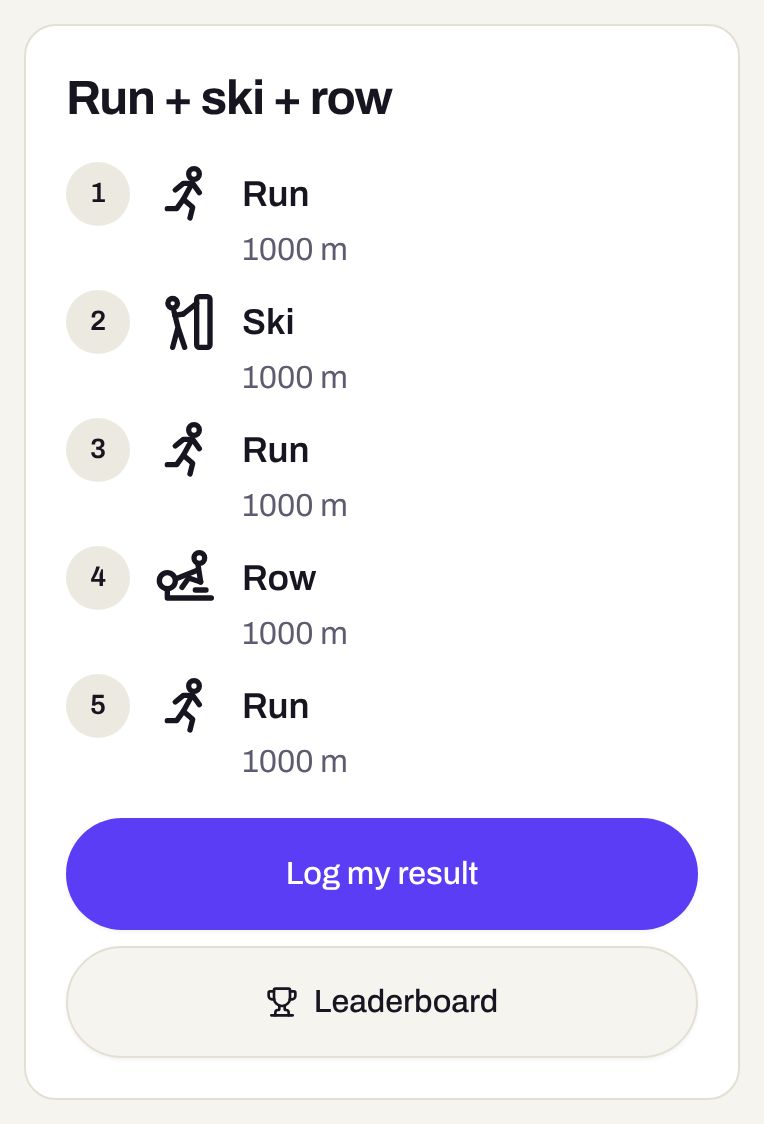
Today shows what your coach planned. After training, tap Log my result.
4Log your times
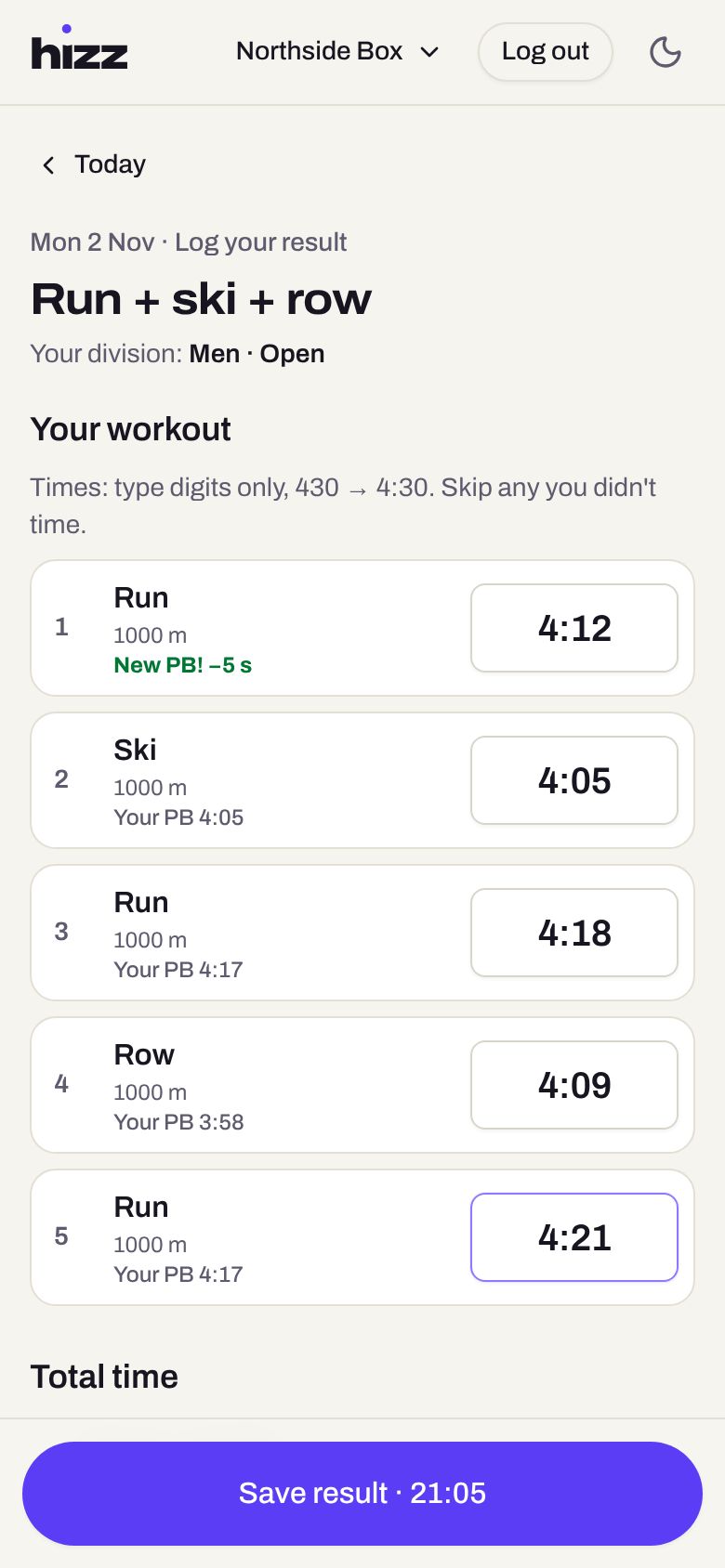
Type digits only: 412 becomes 4:12. Skip anything you didn't time. For strength, type reps × kg for each set. Tap Use sum of times (or type your total) and Save.
5Check the leaderboard
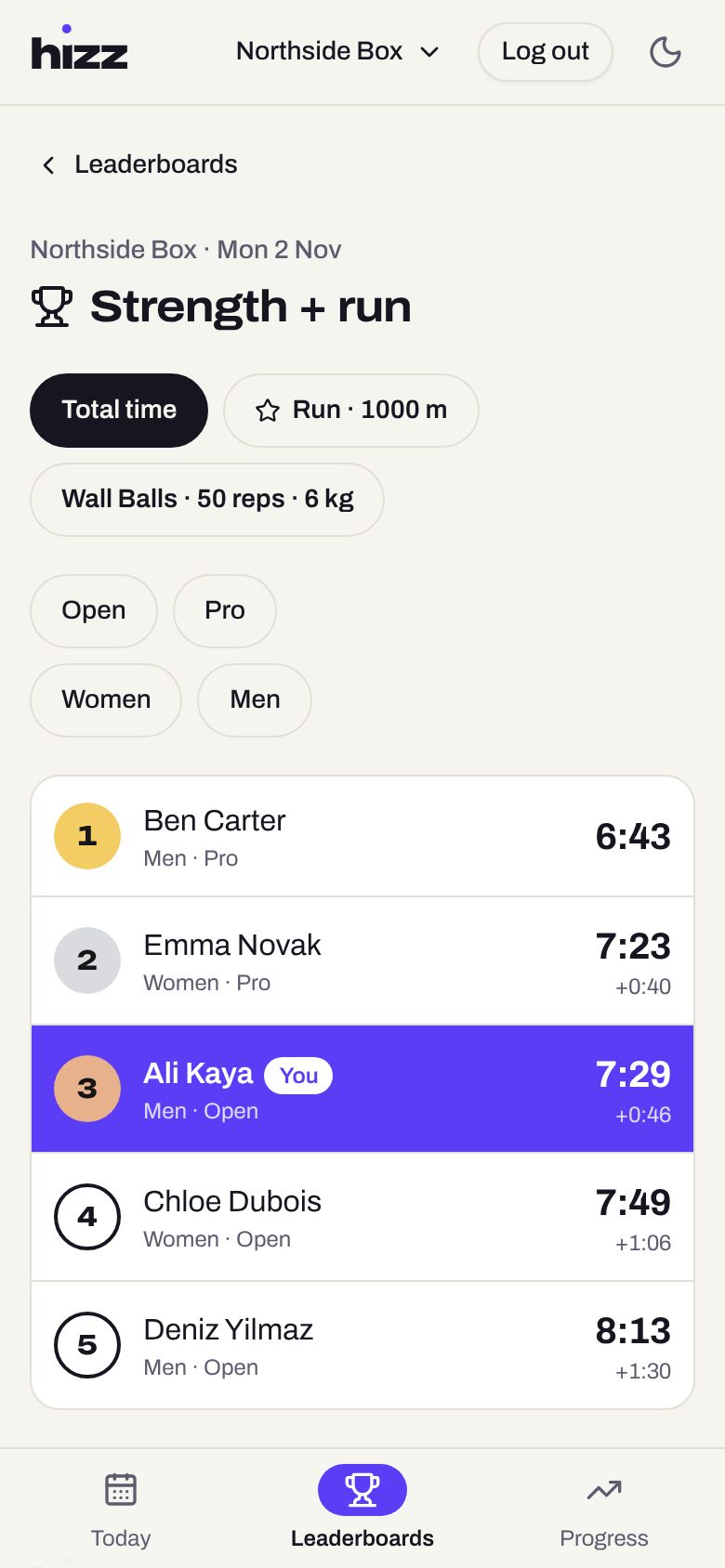
After saving you see where you placed. Tap a part (like Run · 1000 m) to rank just that, or filter by Open, Pro, Women or Men. A star marks race-standard parts.
6Follow your progress
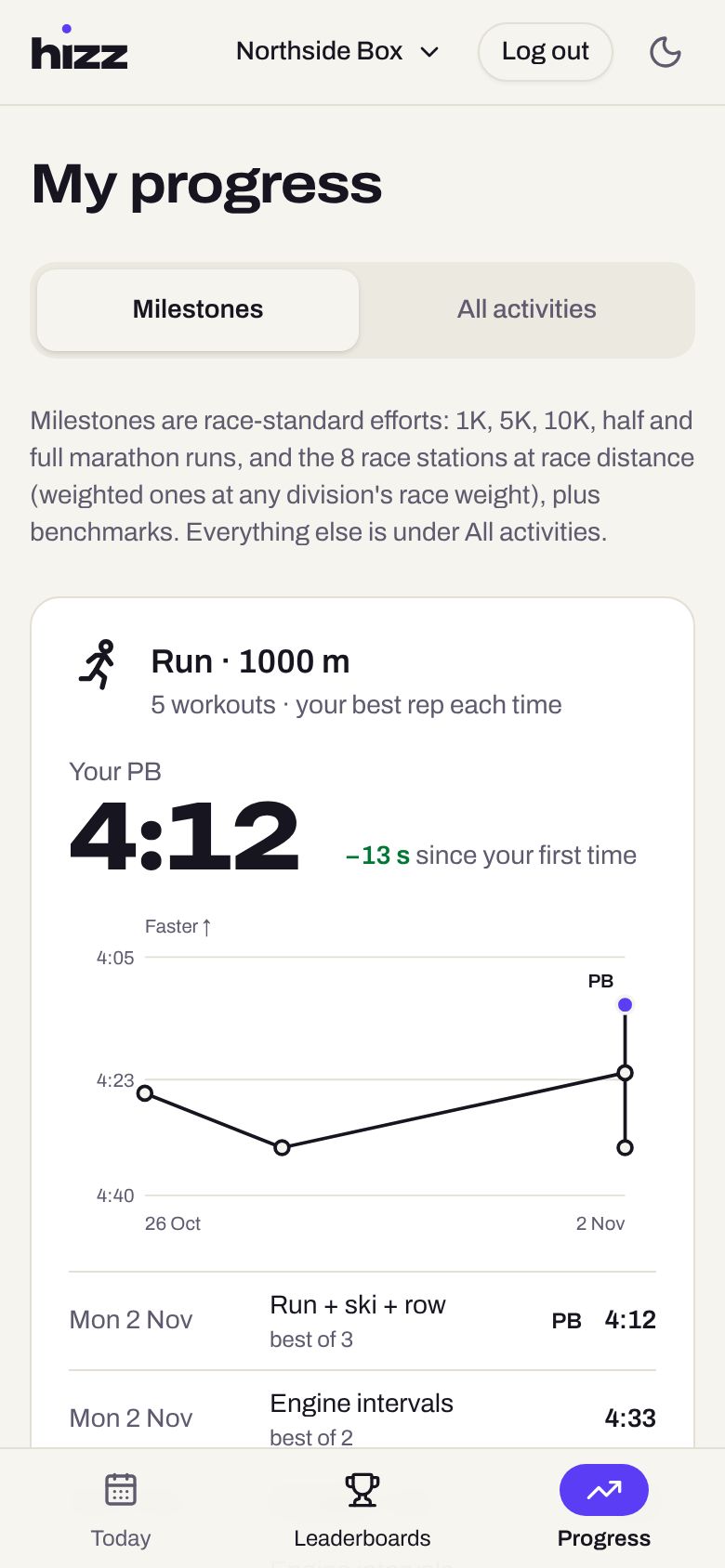
Progress shows your personal bests for race-standard efforts, how they changed over time and where to focus next. Everything else is under All activities.
7Download your results
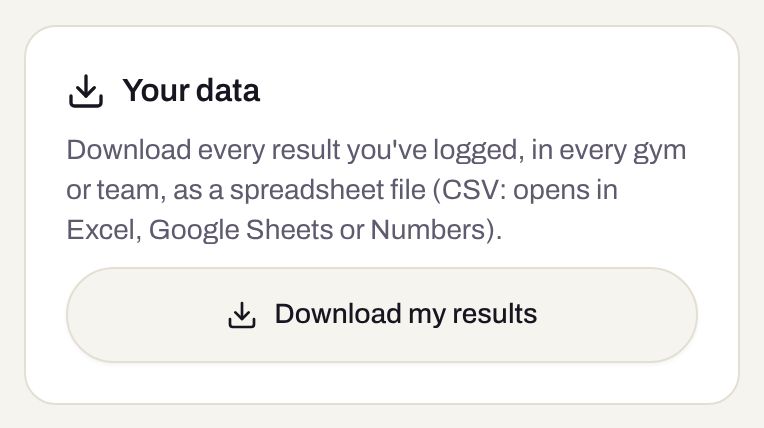
At the bottom of Progress, Download my results gives you every result you've logged as a spreadsheet file.
Still stuck? See the FAQ or contact support.